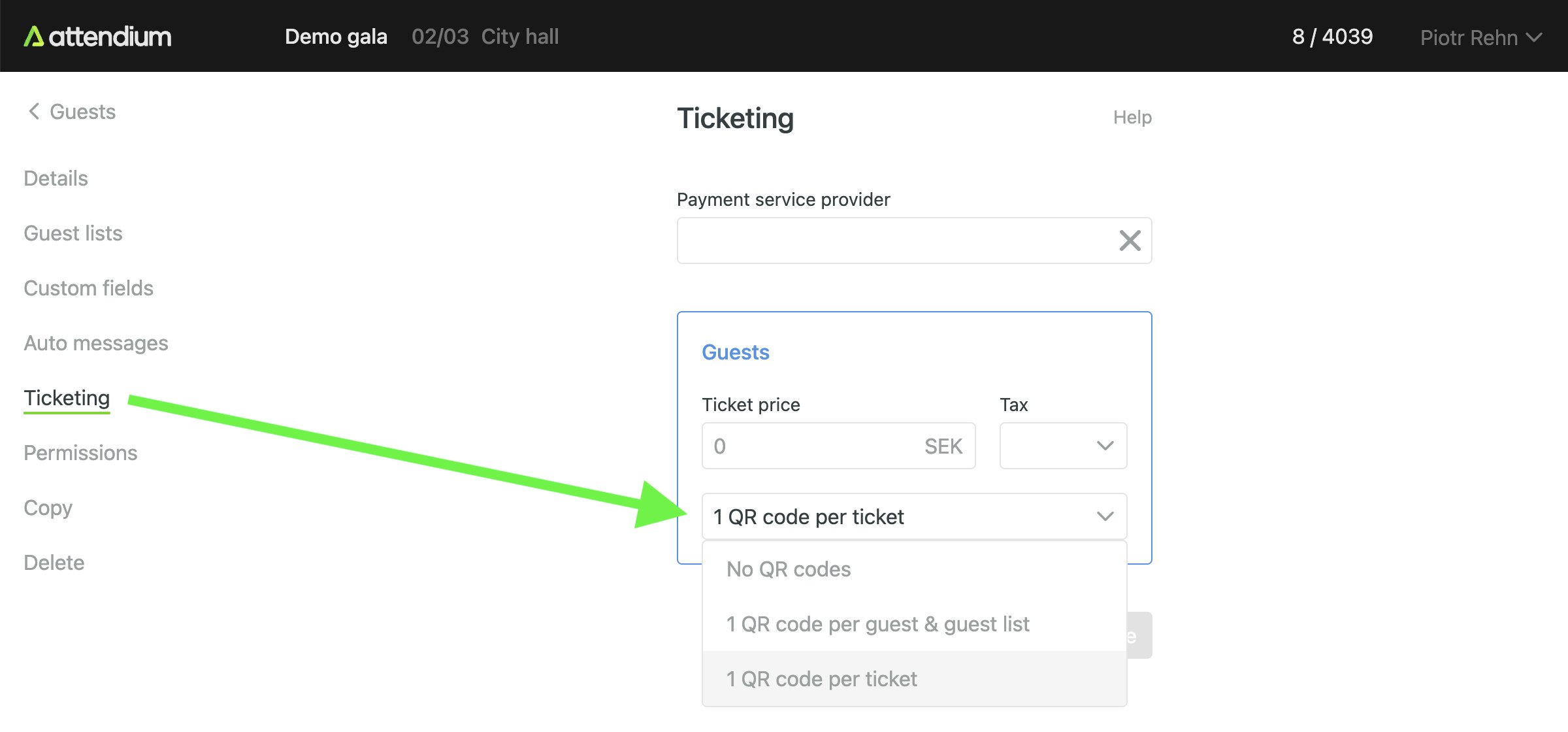
Enabling QR codes for invitations
Once a guest has successfully signed up using an invitation, they are automatically added to the corresponding guest list. You can easily find them by searching for their name in the Guests section of the event. In certain cases, you may prefer to provide guests with a QR code for streamlined check-in. By enabling QR codes in the Settings/Ticketing section of your event, QR codes will be generated on the invitation confirmation pages and emails for the guest lists you have selected. These QR codes can be scanned using our mobile app to quickly locate and identify guests.