Invitations explained
With invitations, your guests can sign up for a guest list for free or buy tickets for your event. You choose which guest lists the invitee can pick, design the form to collect the details you need, and customize the invitation page with files and images.
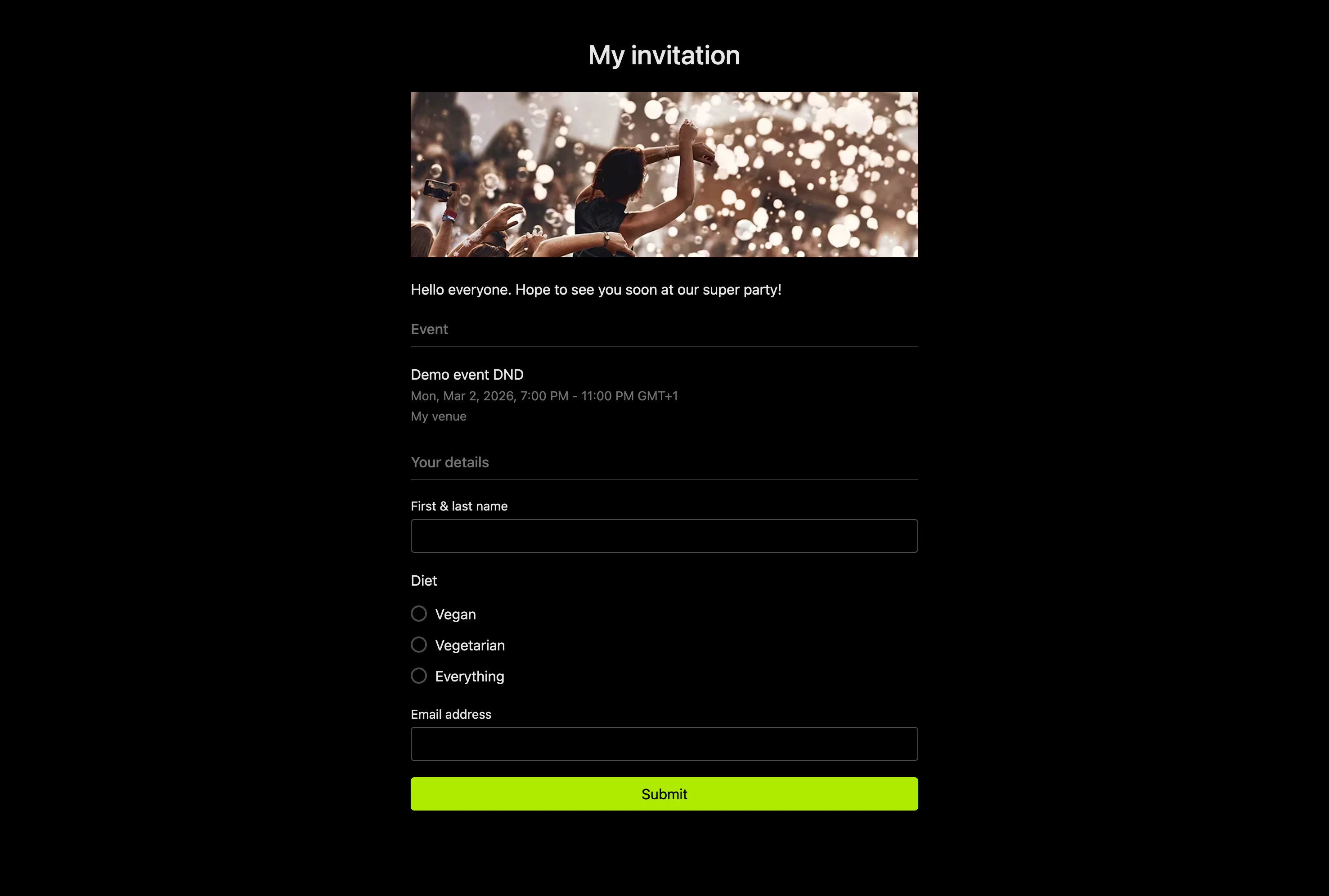
Screenshot of an invitation page. See a live demo invitation page
You can also enable QR codes, which guests get after they sign up or buy a ticket. You scan the QR codes to check guests in at the event. See Enabling QR codes for invitations.
Guests who sign up and tickets that are bought are added to your event right away and synchronized across all devices.
Invitation types
There are two types of invitations. Choose the one that fits your situation:
Open invitations
Open invitations suit sharing one link publicly or sending it to a group of people: anyone with the link can use it. Guests can sign up or buy tickets for themselves and others.
Personal invitations
Personal invitations suit sending a unique link to each person instead of one shared link, which gives you more control over who signs up. You can enter the guest's name in advance, and the invitee can't change it. Every personal invitation uses an invitation template, so you need at least one template before you create personal invitations. This saves you from designing each invitation individually.
Templates
When you create many invitations, design a template. You design it once and use it for any number of invitations. You can also give other users permission to use a template, so their invitations have the same design and messages as yours.