Erste Schritte
Dieser Leitfaden führt dich von der Anmeldung bis zum Einchecken deiner ersten Gäste. Jeder Abschnitt verlinkt auf den Artikel, der sein Thema ausführlich behandelt.
Anmelden
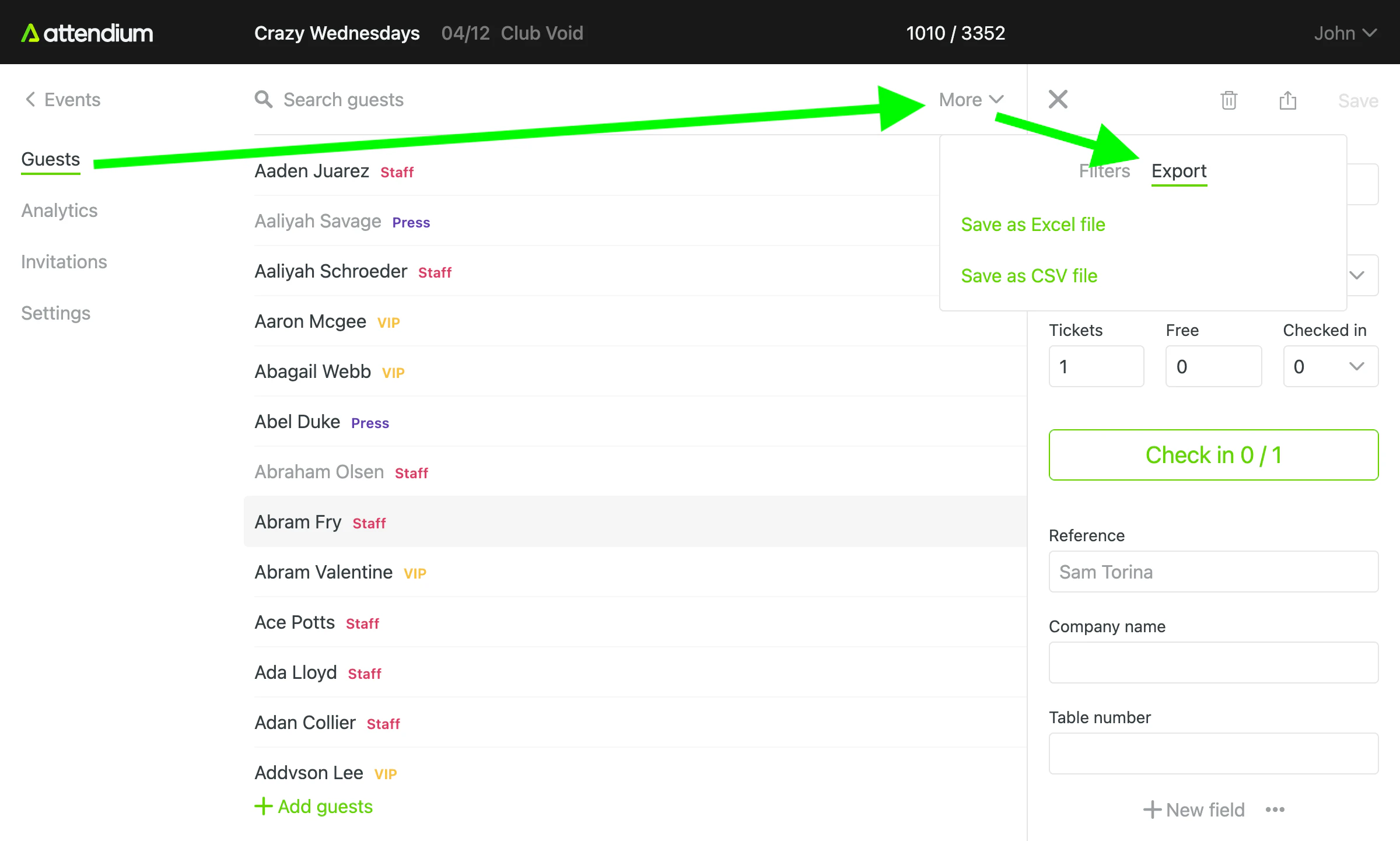
Melde dich über unsere Website oder unsere mobilen Apps aus dem App Store und von Google Play an (siehe Mobile App).
Wenn jemand aus deinem Team deinen Benutzer angelegt hat, enthält die E-Mail, die du erhalten hast, einen Link zu einer Seite, auf der dein Benutzername angezeigt wird. Dort legst du ein Passwort fest und wählst dann Passwort festlegen aus. Wenn du dein Passwort vergessen hast, wähle auf der Anmeldeseite Passwort vergessen? aus (siehe Dein Login bearbeiten).
Events
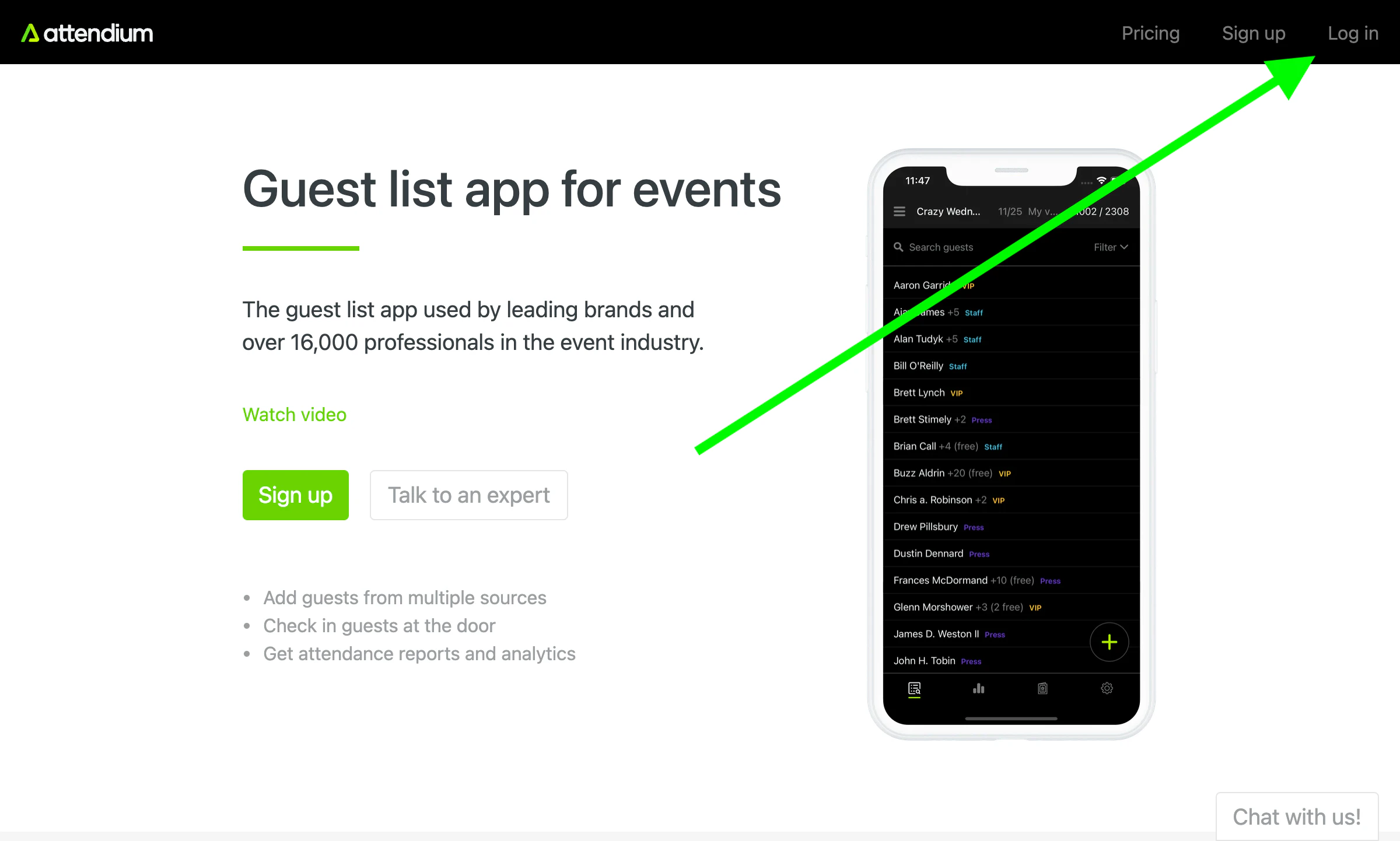
Erstelle zuerst ein neues Event. Sobald du in der Event-Ansicht bist, wird alles, was du siehst, automatisch aktualisiert. Du musst den Browser also nicht neu laden, um hinzugefügte Gäste oder andere Änderungen zu sehen.
Gästelisten
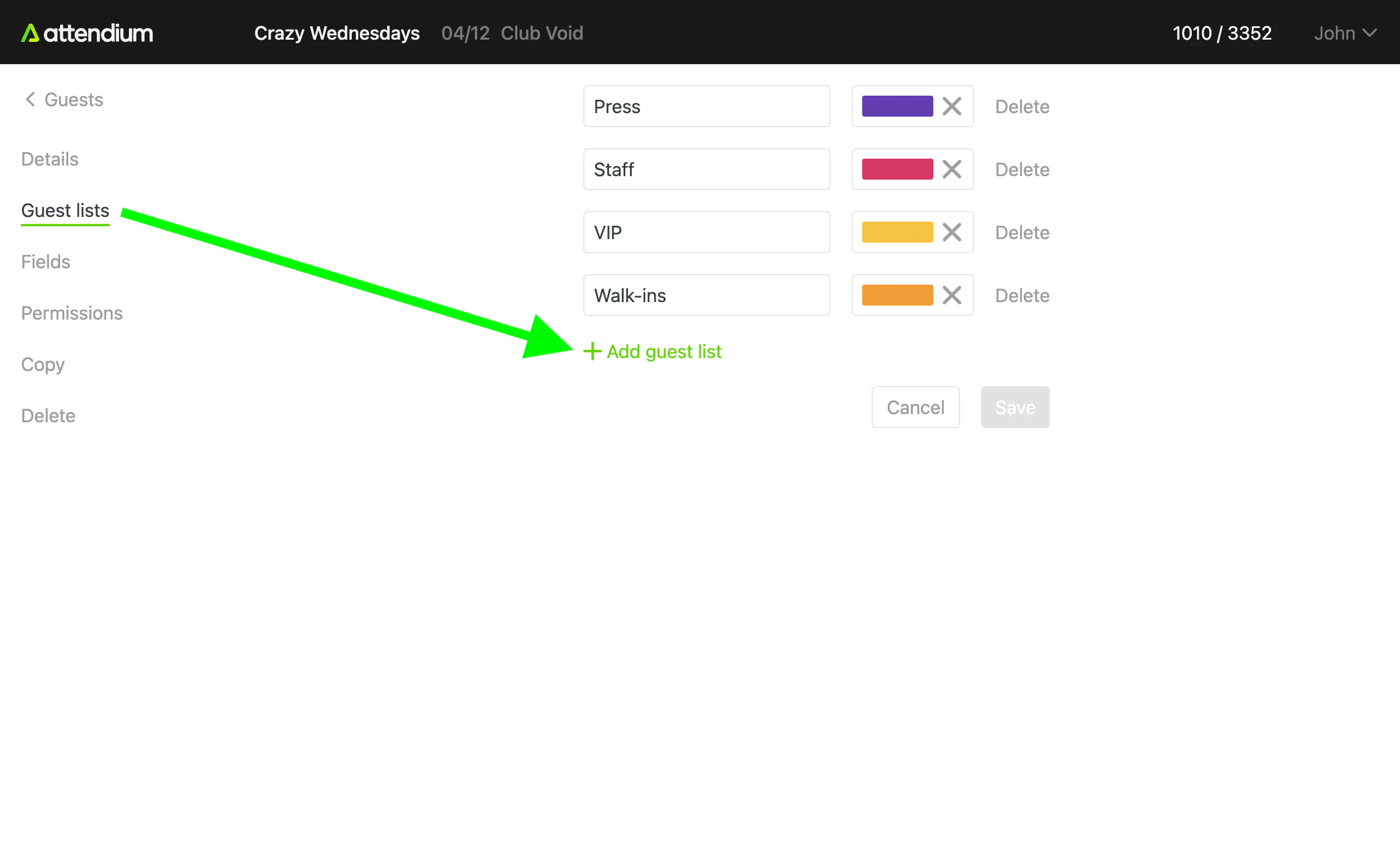
Jedes Event hat eine oder mehrere Gästelisten, zu denen du deine Gäste hinzufügst. Die Standardgästeliste heißt „Gäste“, aber du kannst beliebig viele Gästelisten erstellen und ihnen beliebige Namen geben. Häufige Namen sind VIP, Personal usw.
Gäste
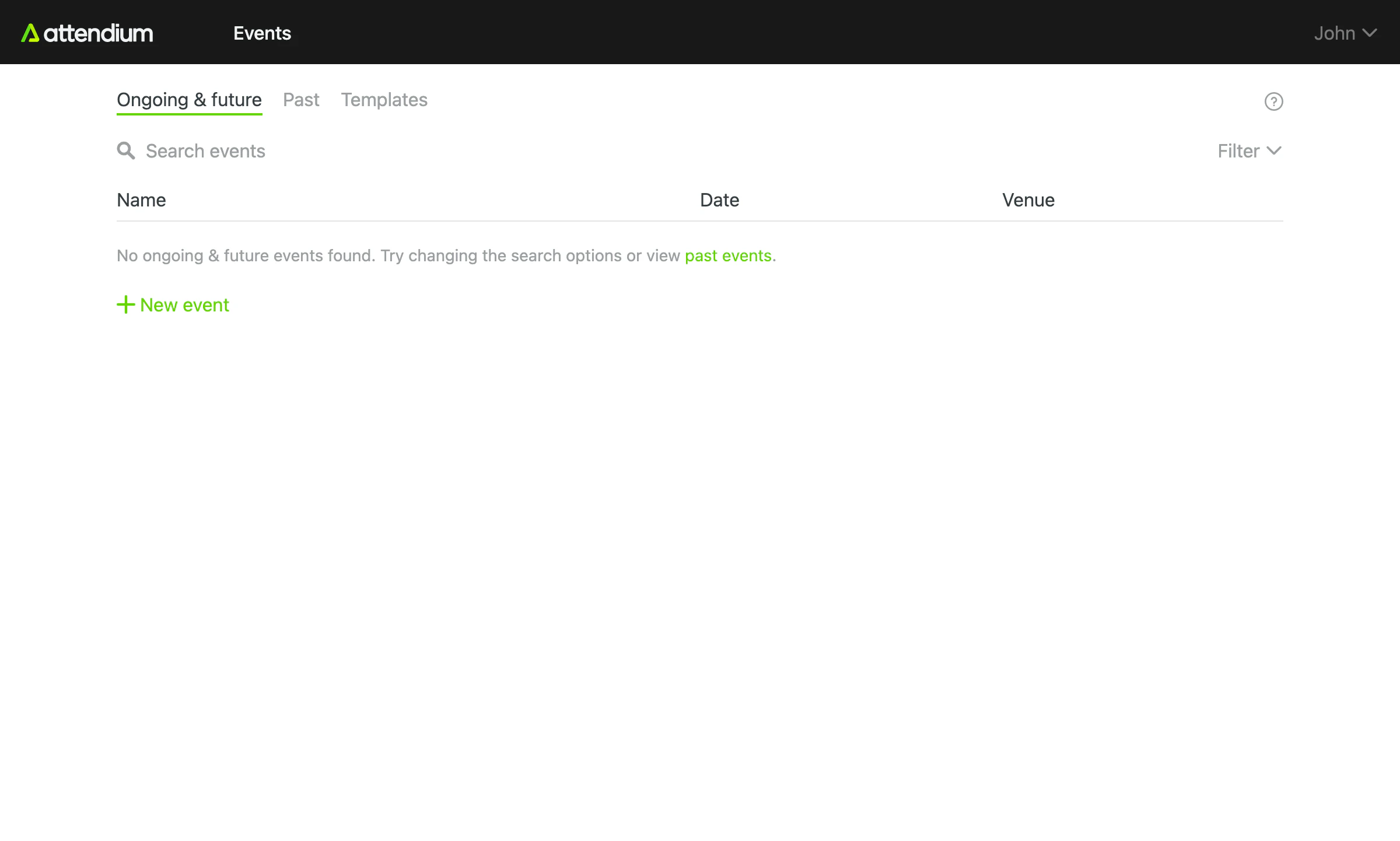
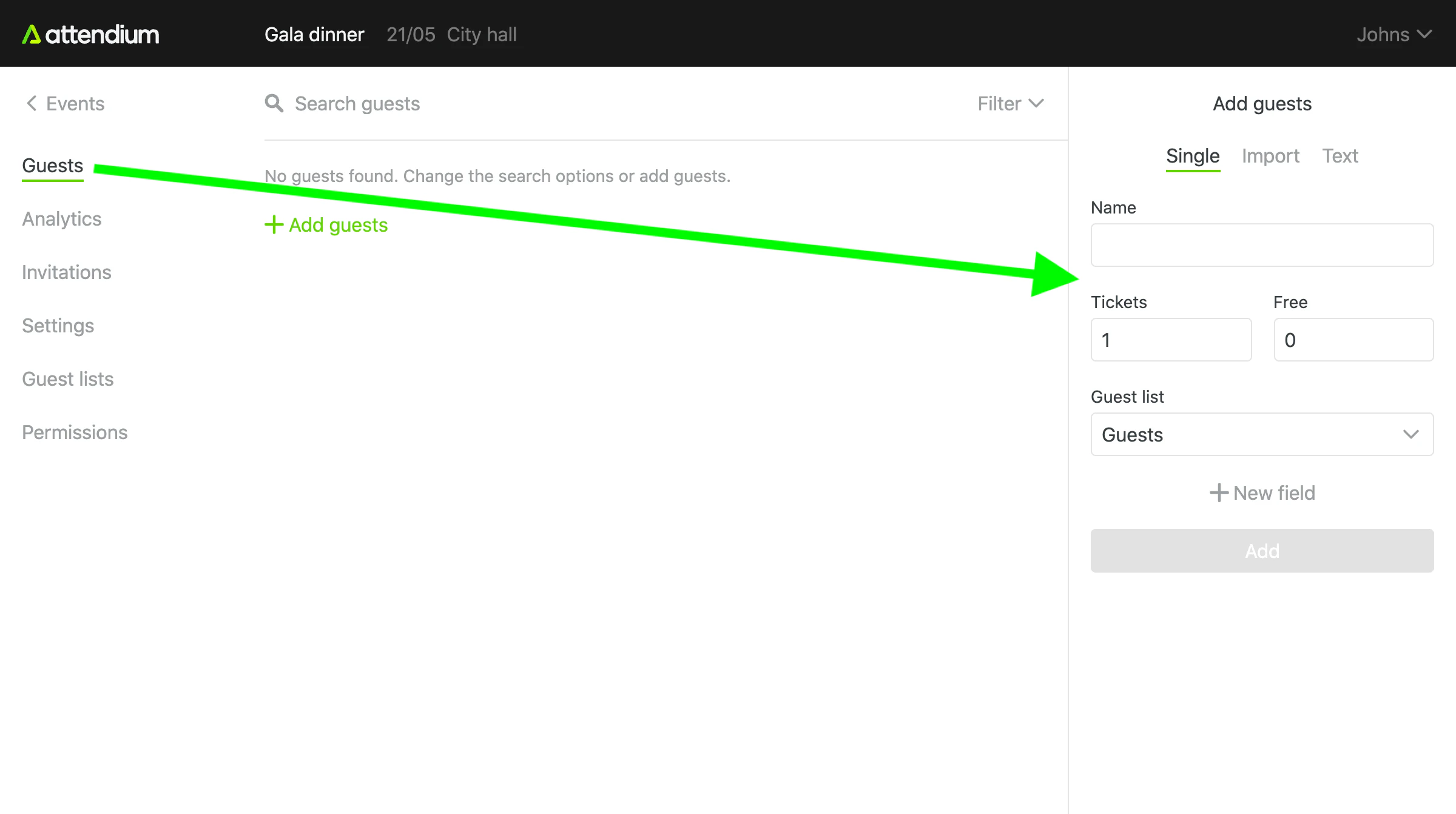
Um deinem Event Namen hinzuzufügen, gehe zu Events (Hauptmenü) > dein Event > Gäste > Gäste hinzufügen. Füge unter Einzeln einen Gast nach dem anderen hinzu oder übernimm unter Import oder Text eine ganze Liste auf einmal. Siehe Event-Gäste hinzufügen oder importieren.
Gäste einchecken
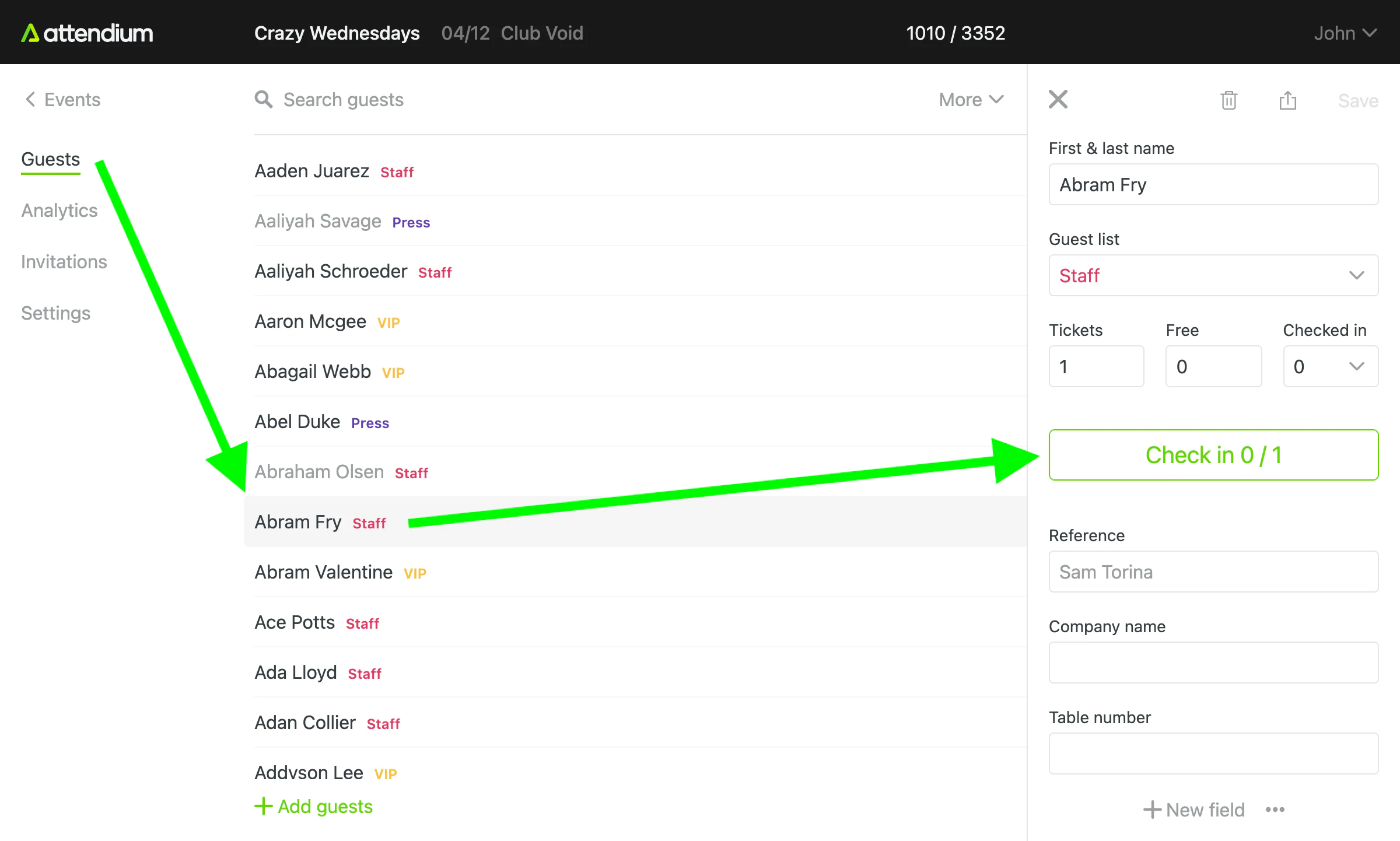
Um Gäste einzuchecken, wähle einen Gast und dann Einchecken aus. Der Zähler auf der Schaltfläche zeigt, wie viele der Gäste unter diesem Namen eingecheckt sind. Gehört zu dem Namen mehr als 1 Gast, wähle Einchecken also für jede ankommende Person einmal aus. Gehören zu dem Namen Gratisgäste, erscheint für sie die Schaltfläche Gratis einchecken und, falls auch zahlende Gäste dazugehören, daneben Zahlende einchecken, wobei jede Schaltfläche ihre eigenen Gäste zählt.
Um einen versehentlichen Check-in rückgängig zu machen, wähle den Gast und dann Check-ins bearbeiten aus, korrigiere die Anzahl der eingecheckten Gäste und speichere. Siehe Gäste bei einem Event suchen und einchecken.
Analyse
Gehe zu Events (Hauptmenü) > dein Event > Analyse, um Gästelisteneinträge und Check-ins nach Benutzer in Echtzeit sowie die Diagramme für ein Event zu sehen. Siehe Event-Analyse anzeigen.
Gehe zu Analyse (Hauptmenü), um Zahlen aller Events zu vergleichen, auf die du Zugriff hast. Siehe Analyse.
Gäste exportieren
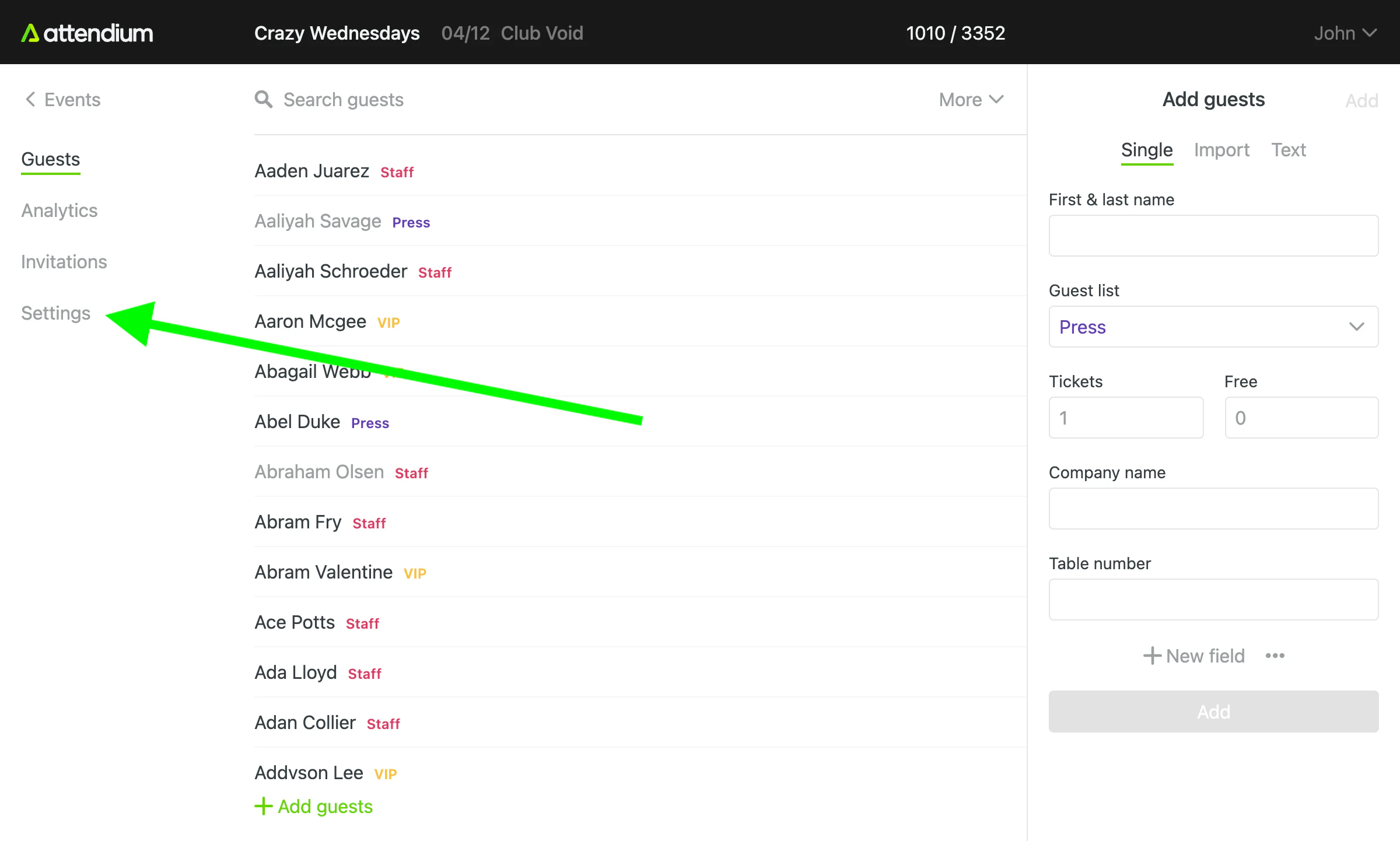
Gehe zu Events (Hauptmenü) > dein Event > Gäste > Export, um deine Gäste als Excel-Datei herunterzuladen. Der Export enthält nur die Gäste, die deinen aktuellen Filtern entsprechen. Siehe Gäste eines Events exportieren.